
Steam Deck gamepad mapper
Map buttons, triggers, sticks and touch-oriented actions to keyboard, mouse or a virtual game controller.
Handheld Companion for Steam Deck
Bring controller emulation, Steam Deck gyro, a virtual touchpad, profiles and handheld hotkeys together when your Steam Deck boots Windows.
Free public release · Windows 10/11 · Open source
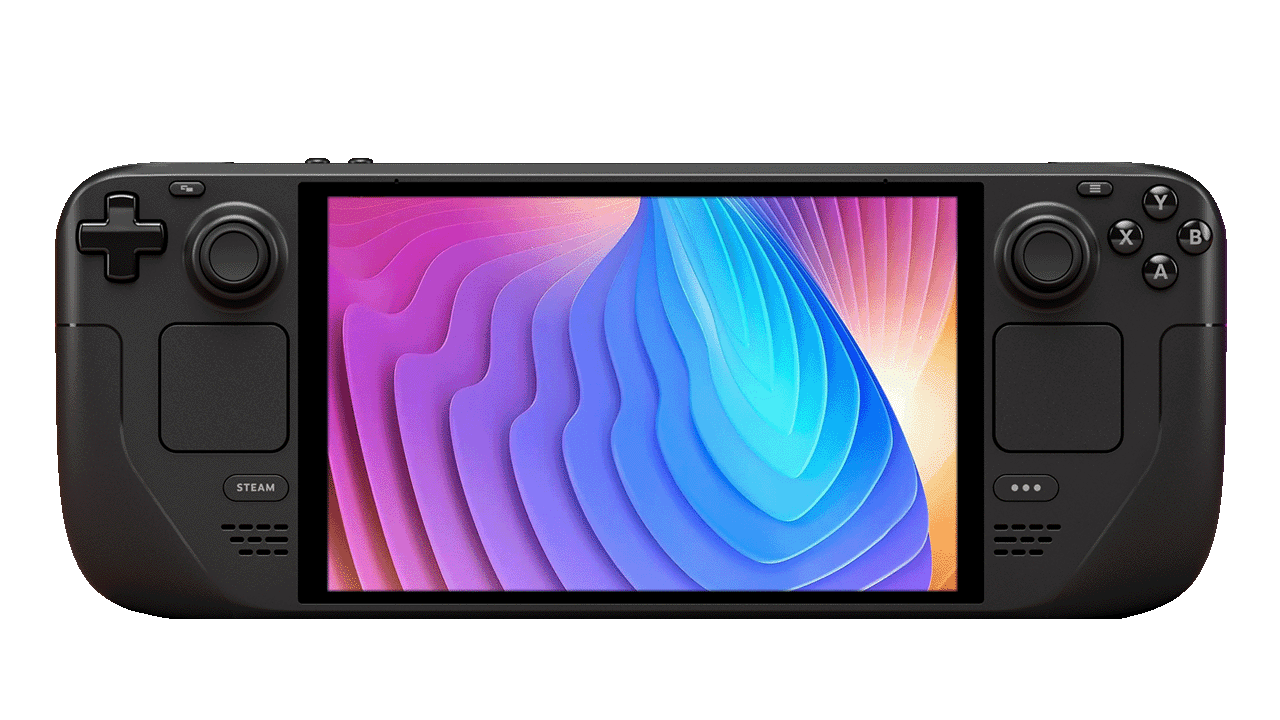 Gamepad mapperGyro + Auto TDP
Built for the hardware
Windows opens a huge PC library on Steam Deck, but the desktop still expects a keyboard, mouse and standard gamepad. Handheld Companion translates the Deck's built-in controls into the input each app understands.
Verify device support on GitHub ↗Map buttons, triggers, sticks and touch-oriented actions to keyboard, mouse or a virtual game controller.
Use built-in motion sensors for aiming, steering and camera control across games and emulators.
Expose a controller format with broad Windows compatibility, including DS4 motion and touchpad workflows.
Open QuickTools, change controller mode, adjust volume or launch an app from button combinations you define.
Handheld Companion Steam Deck
Create a profile once, then let Handheld Companion detect the active game and apply controller, motion, graphics and power preferences. Open QuickTools without leaving the game when you need a fast change.
Before you switch
This setup is for Windows 10 or Windows 11 installed on Steam Deck, not for the default SteamOS environment.
Install current Steam Deck Windows drivers before troubleshooting controller, audio, display or sensor behavior.
If Steam Input and another mapper both transform the same controls, simplify the chain until only one layer owns each mapping.
Straight answers
The official supported-device list includes Steam Deck all models. This page refers to Steam Deck hardware running Windows 10 or Windows 11.
No. Handheld Companion is built for Windows. SteamOS users should use Steam Input and Linux-native handheld tools instead.
Yes. Handheld Companion can use the device IMU for Universal Motion Control and expose motion through supported controller modes and protocols.
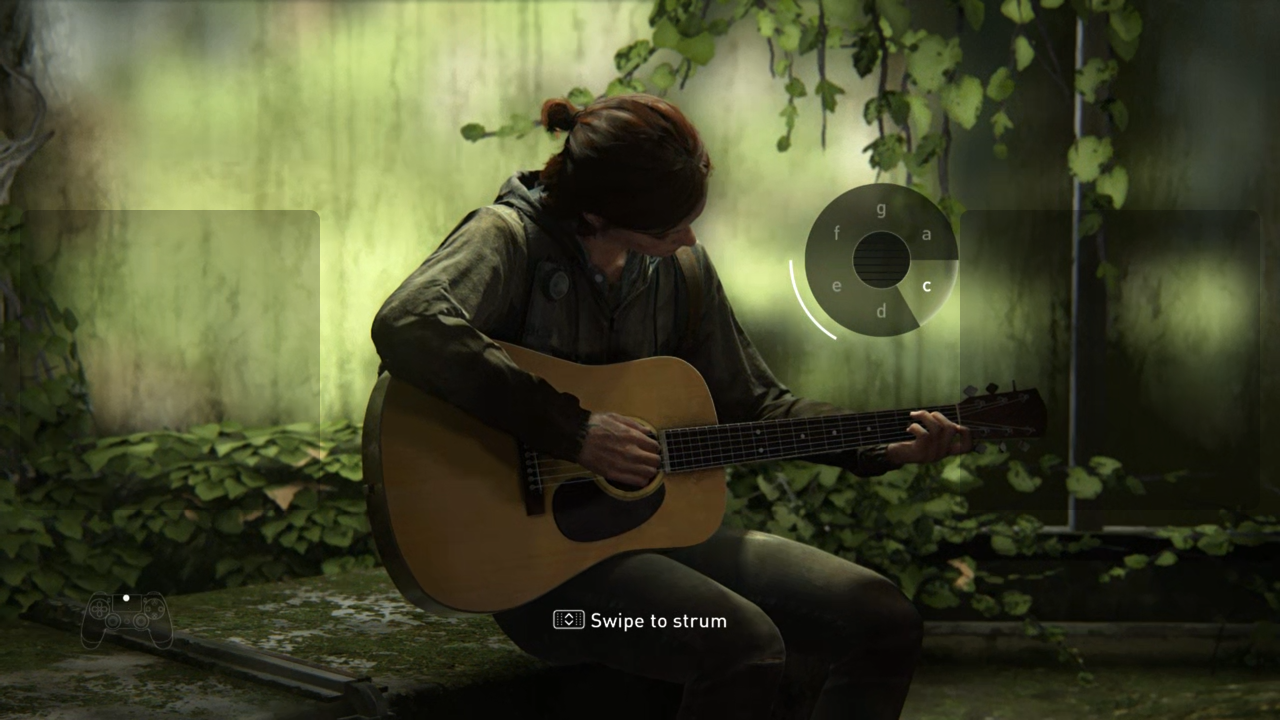
Handheld Companion includes a virtual touchpad designed to mimic the DualShock 4 touchpad, helping with PS Remote Play and games that expect touchpad input.
Your controls, your rules
Start with the public release, then build one profile around the way you actually play.