
Controller remapping by game
Save keyboard, mouse, joystick and trigger mappings with profiles that can activate when the title becomes active.
Handheld Companion for Legion Go
Give Lenovo Legion Go and Legion Go S one place for gamepad mapping, gyro, Auto TDP, profiles, overlays and shortcuts—designed to stay readable on the handheld display.
Free public release · Windows 10/11 · Open source
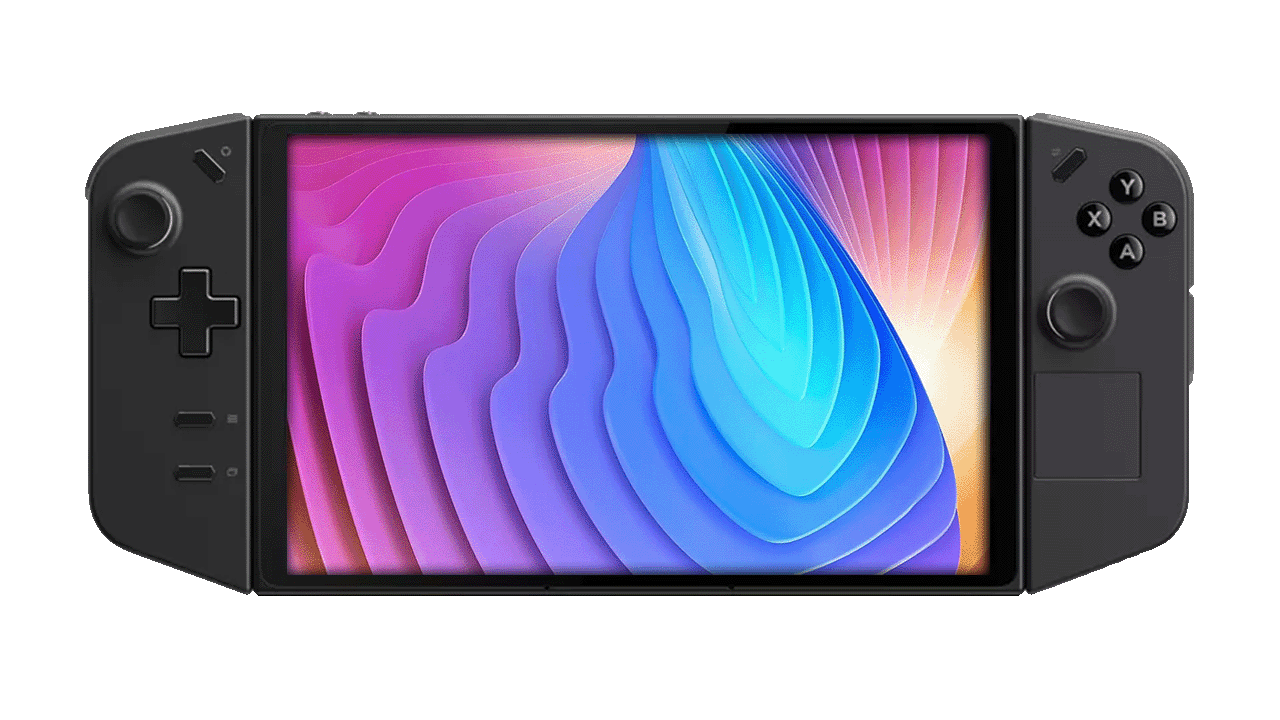 Gamepad mapperGyro + Auto TDP
Built for the hardware
Handheld Companion creates a reusable layer between Legion Go hardware and Windows games. Configure the controller once, attach performance and motion choices to profiles, then make fast changes through QuickTools.
Verify device support on GitHub ↗Save keyboard, mouse, joystick and trigger mappings with profiles that can activate when the title becomes active.
Use Universal Motion Control for aim, camera, racing and emulator scenarios with adjustable behavior.
Reach TDP, refresh rate, frame limiter, resolution, brightness, volume and power settings without returning to the desktop.
Present an Xbox 360 or DualShock 4 controller to games and remote-play software when the physical device is not recognized directly.
Handheld Companion Legion Go
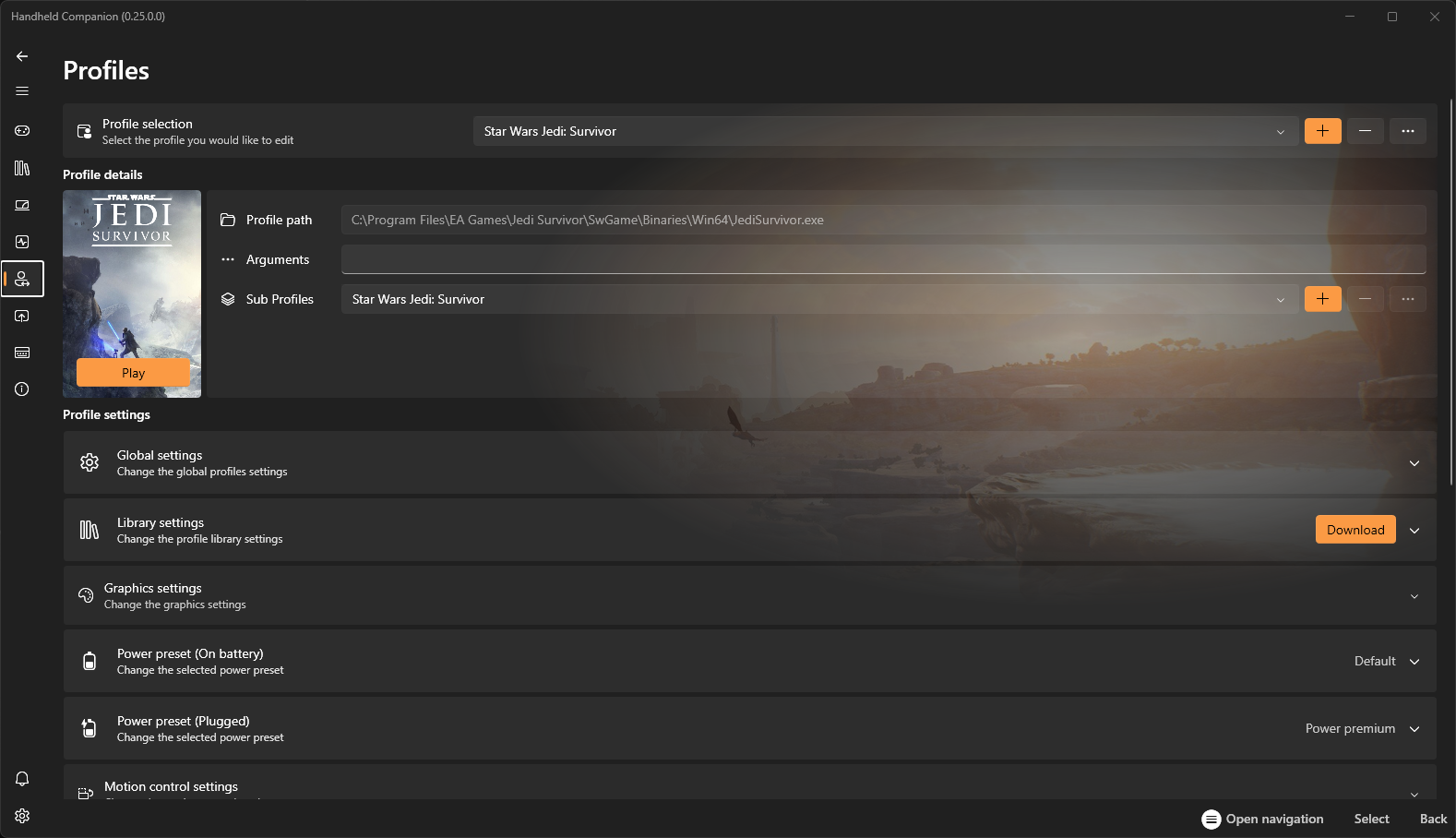
Create a profile once, then let Handheld Companion detect the active game and apply controller, motion, graphics and power preferences. Open QuickTools without leaving the game when you need a fast change.
Before you switch
Update Lenovo firmware, Windows and graphics drivers before tuning Handheld Companion device settings.
Do not let Legion Space, Steam Input and Handheld Companion remap the same control path unless that chain is intentional.
Start from a default power profile, then change TDP targets gradually and validate stability inside the actual game.
Straight answers
Yes. Lenovo Legion Go and Legion Go S appear in the project's official supported-device list.
Handheld Companion can cover controller, profile, motion, hotkey, overlay and power workflows. Keep Lenovo firmware and driver utilities available, and test before disabling overlapping services.
It provides Universal Motion Control through supported device sensors for aiming, camera control, racing and emulator input.
Check whether Legion Space, Steam Input or another mapper is transforming the same physical controller. Let one tool own each input path, then reconnect the virtual controller.
Your controls, your rules
Start with the public release, then build one profile around the way you actually play.