Your handheld.
Finally in your hands.

The open-source control center for Windows handheld gaming. Map any gamepad, add gyro, tune power and launch the right profile on ROG Ally, Steam Deck, Legion Go and more.

Free public releaseOpen source9 interface languages
Handheld Companion · Library
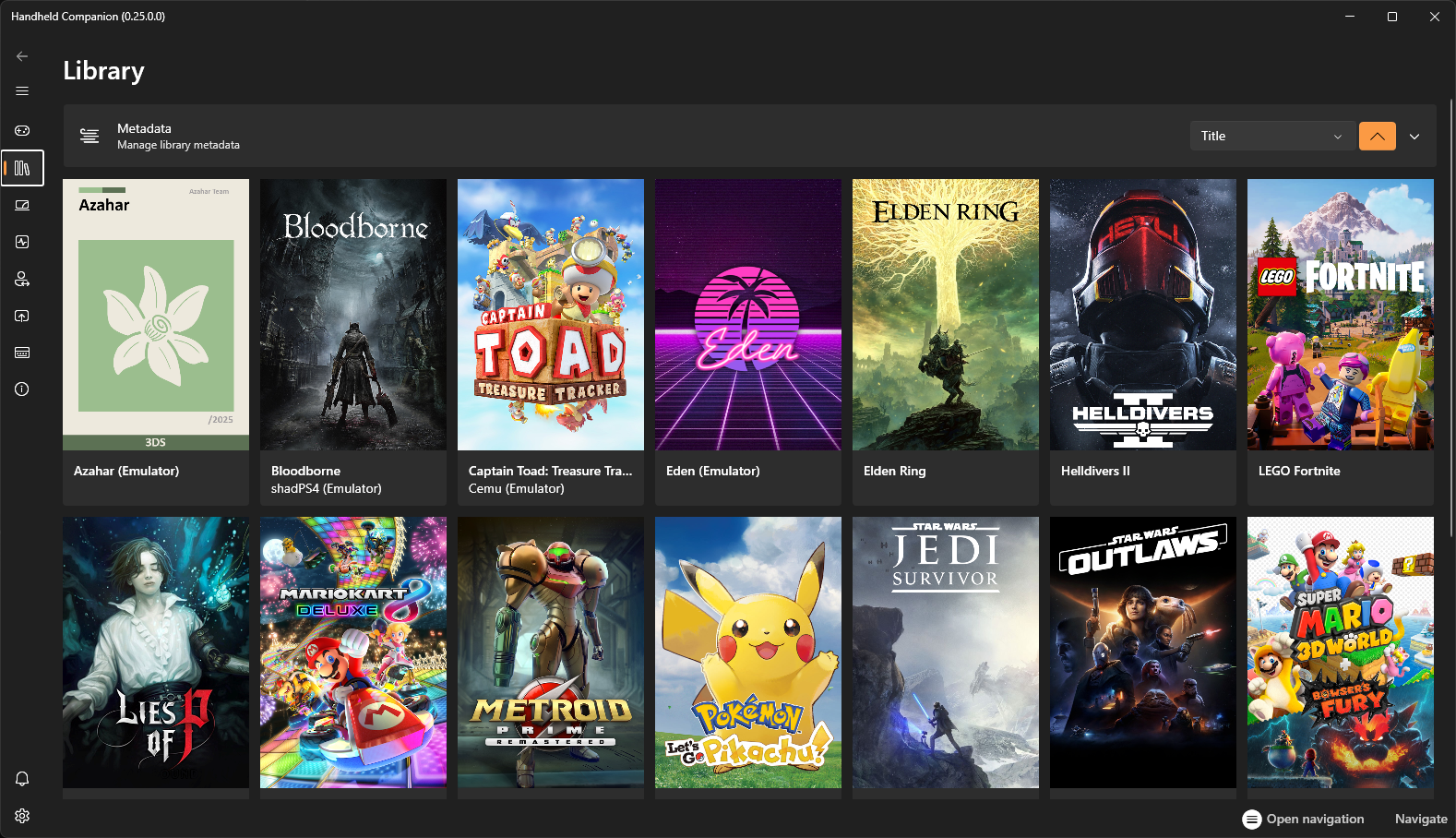
Handheld Companion touch-friendly game library on Windows

One app, the whole handheld

Windows handheld gaming
without the desktop friction.

Handheld Companion brings the controls you reach for most into one touch-first interface—before the game, during it and for every title after.

01

Gamepad mapper

Make every input land exactly where you want.

Remap controller buttons to keyboard, mouse, joystick or trigger actions. Adjust deadzones and swap between virtual Xbox 360 and DualShock 4 output without rebuilding your whole setup.

Explore controller mapping →
02

Gyro controller for PC

Aim, steer and look with motion.

Universal motion controls turn the built-in IMU into precise input for first-person, third-person, racing and emulated games.

03

Auto TDP & QuickTools

Change the power plan, not the pace.

Tune TDP, frame limits, refresh rate, resolution, brightness, volume and power mode from an overlay designed for small screens.

Target60FPS
Handheld Companion game profile settings
04

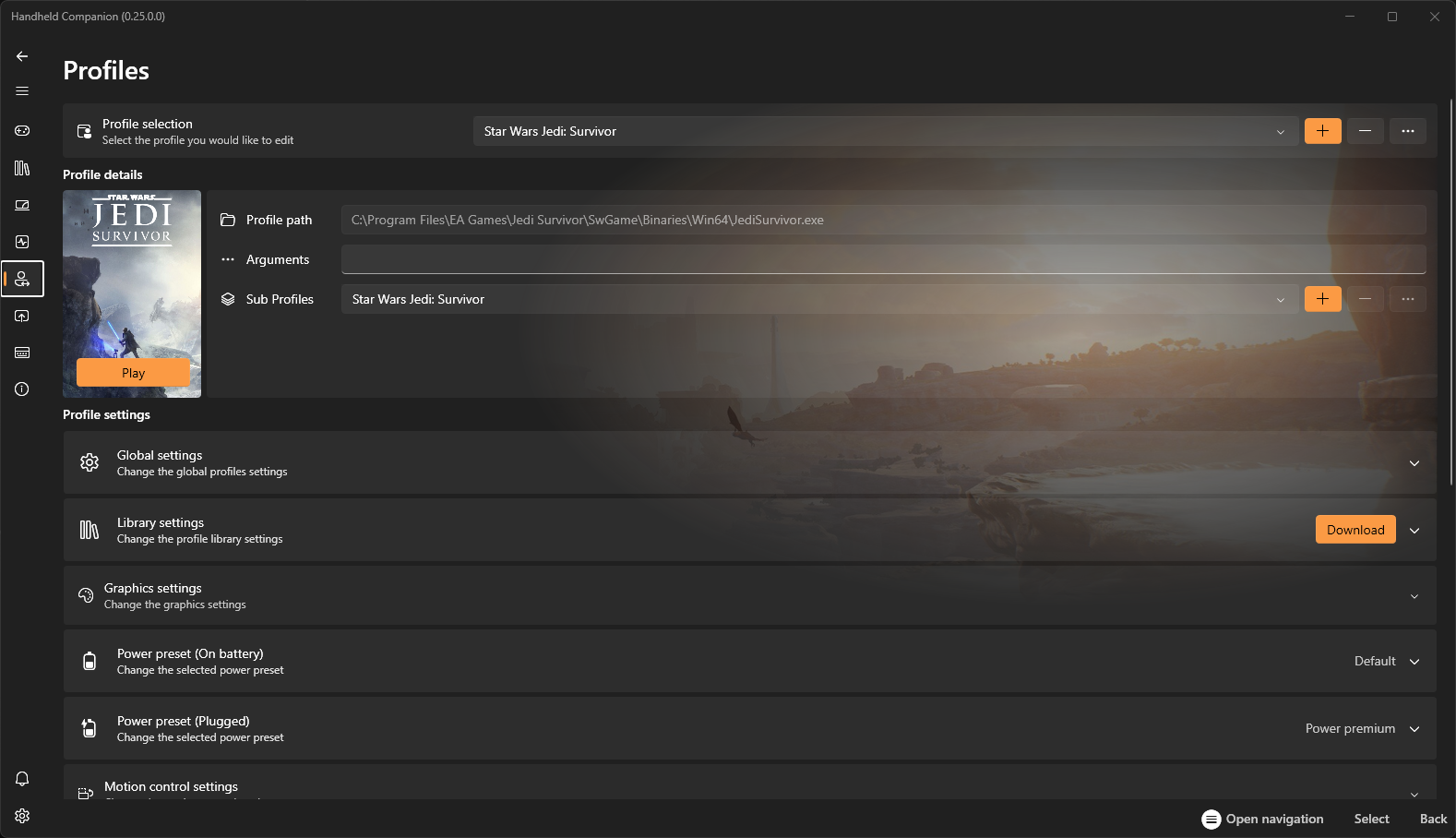
Automatic game profiles

Your settings arrive with the game.

Detect the active title and apply its controller layout, motion, graphics and power preferences automatically.

Real interface screenshots

Every screen has a job.

Explore all 12 parts of the Handheld Companion workflow — from the touch-first library to controller mapping, gyro, Auto TDP and the in-game performance overlay.

Library01 / 12

Touch-first game library

Browse installed games from a large, touch-friendly library built for a handheld screen. Artwork, titles and launch actions stay clear without dropping back to the Windows desktop.

  • Touch-first game browsing
  • Launch titles from one library
  • Designed for compact handheld displays
Profiles02 / 12

Per-game performance profiles

Give every game its own controller, power and motion setup. Handheld Companion can load the right profile when a title becomes active, then return to your global defaults afterward.

  • Automatic per-game activation
  • Power, graphics and motion in one place
  • Global defaults with game-specific overrides
Gamepad mapper03 / 12

Virtual controller settings

Choose how Windows and your games see the physical controls. Configure a virtual Xbox 360 or DualShock 4 controller and shape the input path for broader compatibility.

  • Xbox 360 and DualShock 4 output
  • Physical and virtual controller control
  • Cleaner setup for games and remote play
Hotkeys04 / 12

Custom handheld hotkeys

Put common handheld actions behind the buttons already under your thumbs. Open QuickTools, switch controller modes, change volume or launch an application with combinations you define.

  • QuickTools on a button combination
  • Controller mode and system shortcuts
  • Global or profile-aware actions
QuickTools05 / 12

QuickTools device controls

Reach essential Windows handheld controls without leaving the game. The compact QuickTools panel keeps display, connectivity and everyday device settings one button away.

  • Resolution and refresh controls
  • Wi-Fi and Bluetooth access
  • Compact overlay for a seven-inch screen
Auto TDP06 / 12

Auto TDP and power controls

Balance performance, thermals and battery life from the same overlay. Set a manual power target or let Auto TDP react to the frame-rate goal while you play.

  • Manual TDP and Automatic TDP
  • CPU and GPU power controls
  • Tune performance without leaving the game
Profiles07 / 12

Game profile controls

See and adjust the active game profile from QuickTools. Power presets, motion controls and graphics choices stay connected to the title you are actually playing.

  • Active profile at a glance
  • Motion and power settings together
  • Fast changes during real gameplay
Applications08 / 12

Application launcher

Open favourite games and utilities from a controller-friendly applications panel. Running processes and launch shortcuts remain accessible while the desktop stays out of the way.

  • Controller-friendly app launcher
  • Quick access to running processes
  • Less desktop navigation on handheld PCs
Overlay09 / 12

In-game performance overlay

Watch the metrics that matter while a game is running. The performance overlay surfaces frame rate and live CPU or GPU information so power changes have visible feedback.

  • Live FPS and graphics API data
  • CPU and GPU monitoring
  • Immediate feedback while tuning TDP
3D controller10 / 12

DualSense 3D controller

Inspect a live three-dimensional DualSense model while configuring controller input. It gives button, stick and trigger testing a clear visual reference before launching a game.

  • Live controller visualisation
  • Check sticks, triggers and buttons
  • Useful feedback while remapping input
3D controller11 / 12

Steam Deck 3D controller

Use a device-specific Steam Deck model to understand the active control state on Windows. The visual layout makes testing the handheld's distinctive inputs easier.

  • Steam Deck-specific control layout
  • Visual input testing on Windows
  • Faster diagnosis of mapping conflicts
Remote Play12 / 12

PS Remote Play touchpad

Turn the handheld screen into a virtual DualShock 4-style touchpad for PlayStation Remote Play. Touch and controller workflows can stay together on the same Windows device.

  • Virtual DS4-style touchpad
  • Built for PS Remote Play workflows
  • Touch input beside physical controls

Broad device support

One companion.
A shelf of handheld PCs.

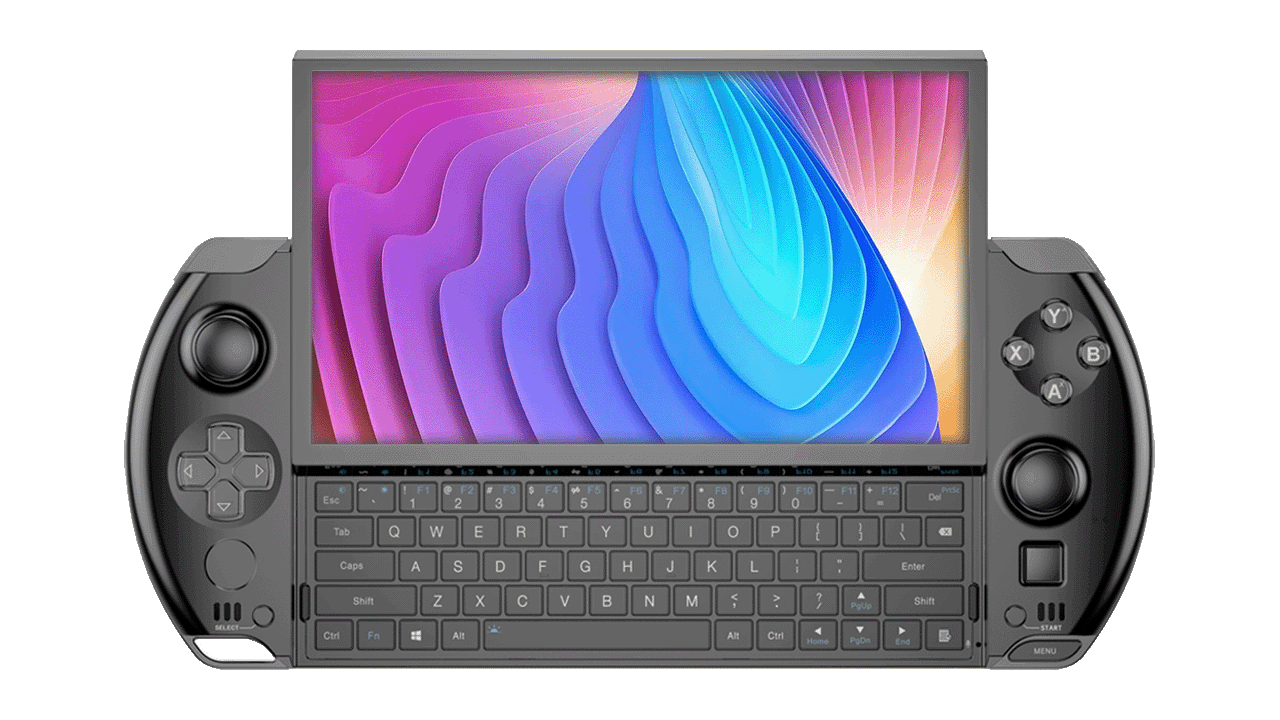
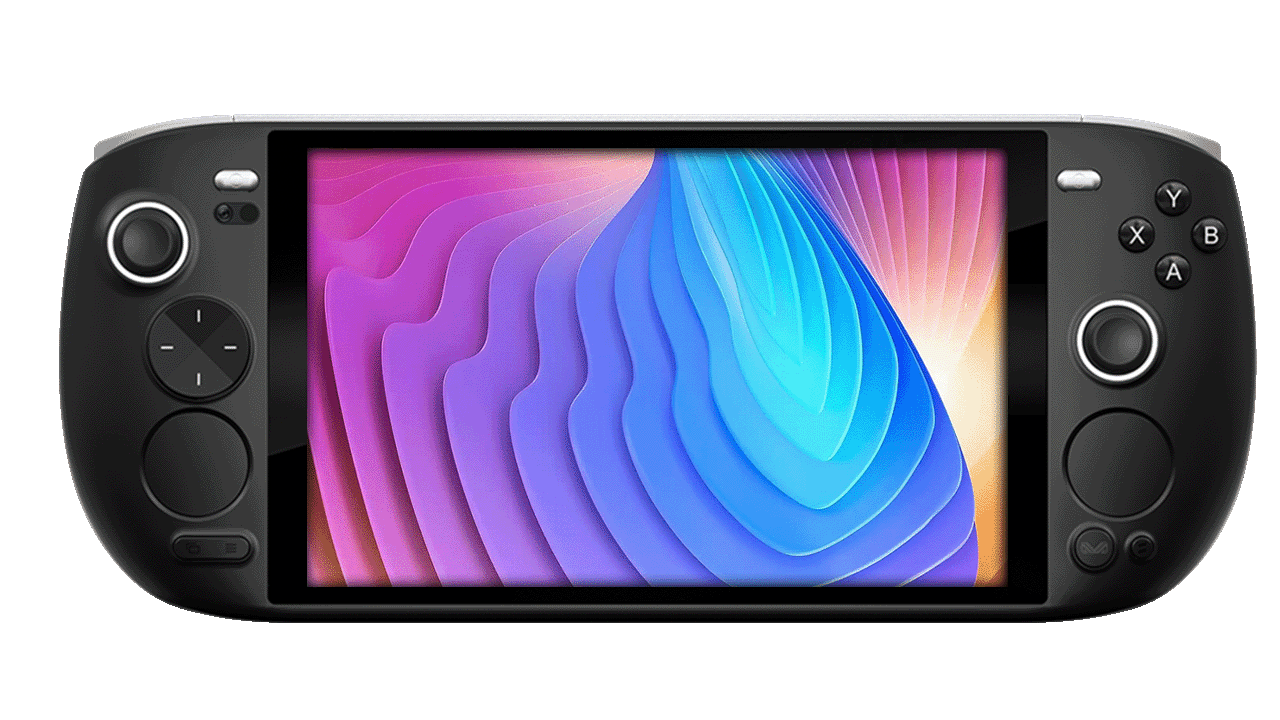
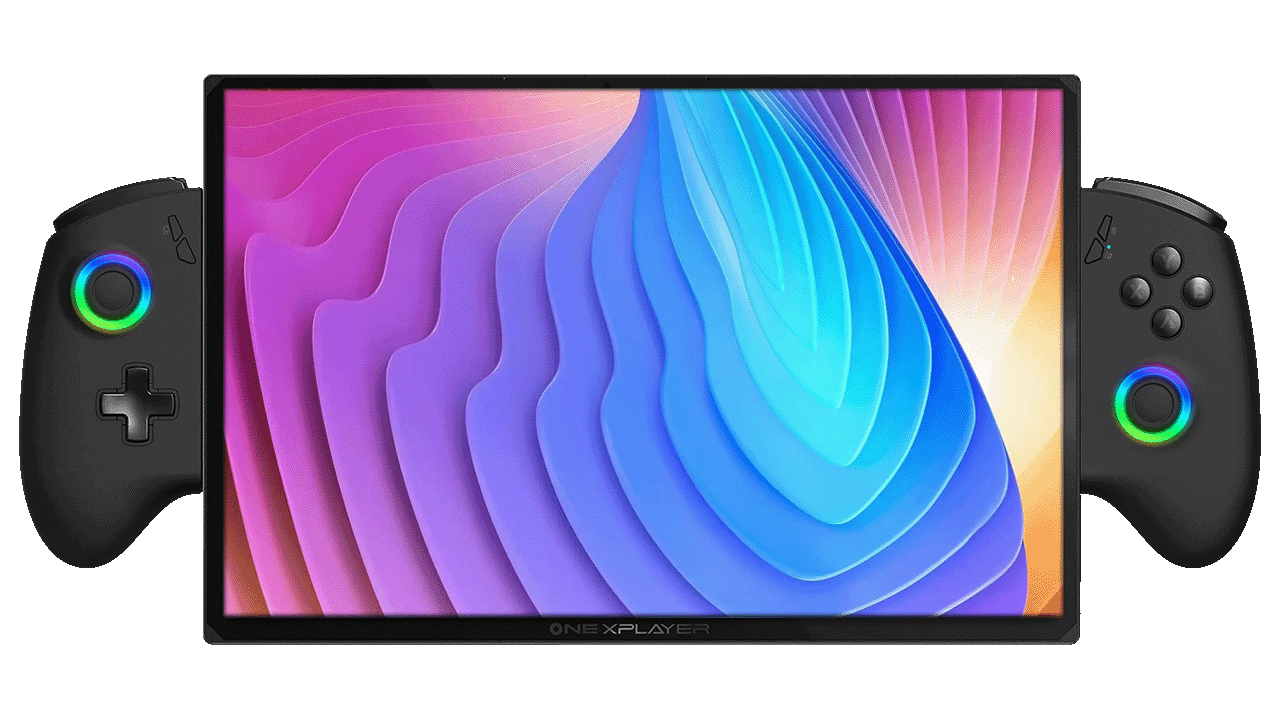
Start with dedicated support for today's most popular Windows handhelds and keep the same workflow when your hardware changes.

Officially listed families
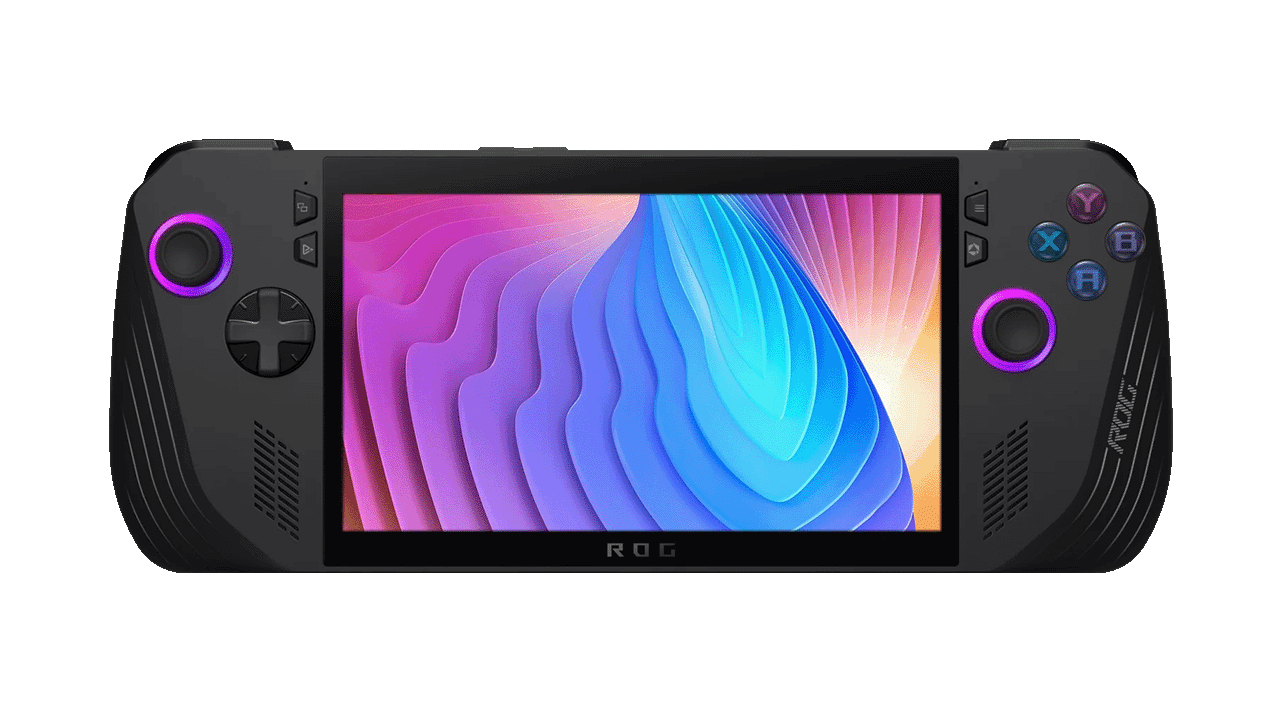
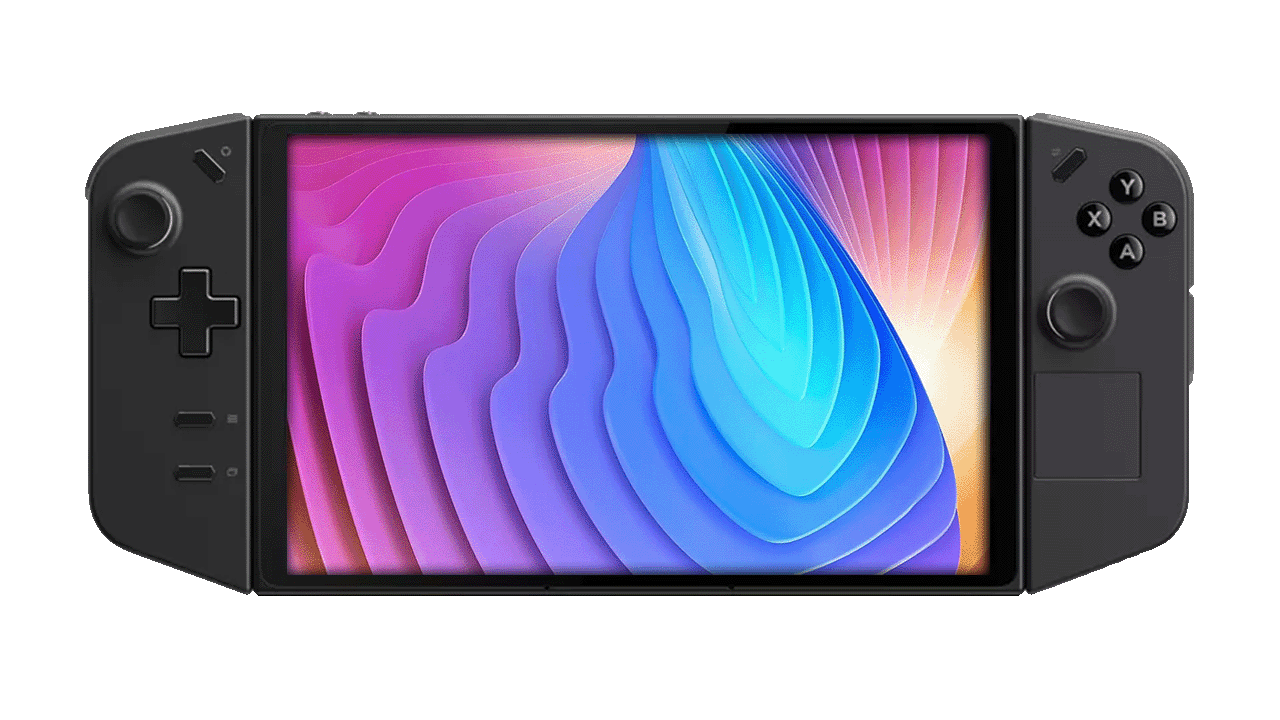
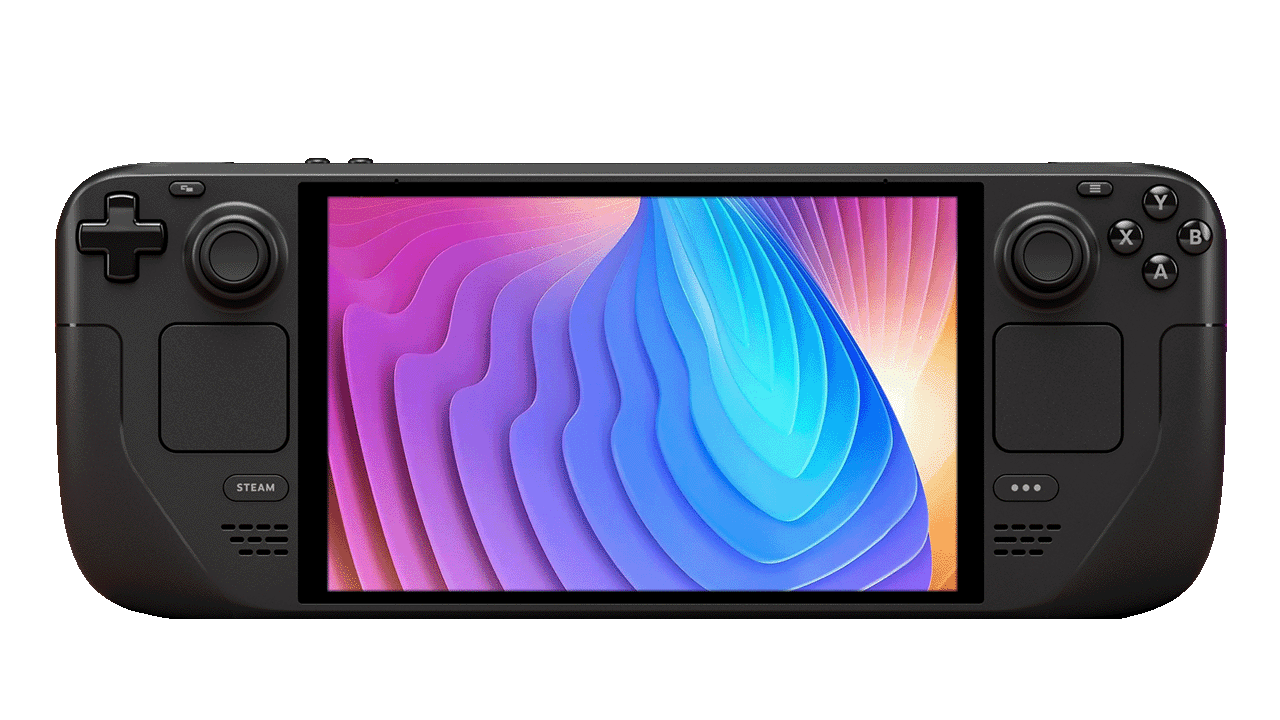
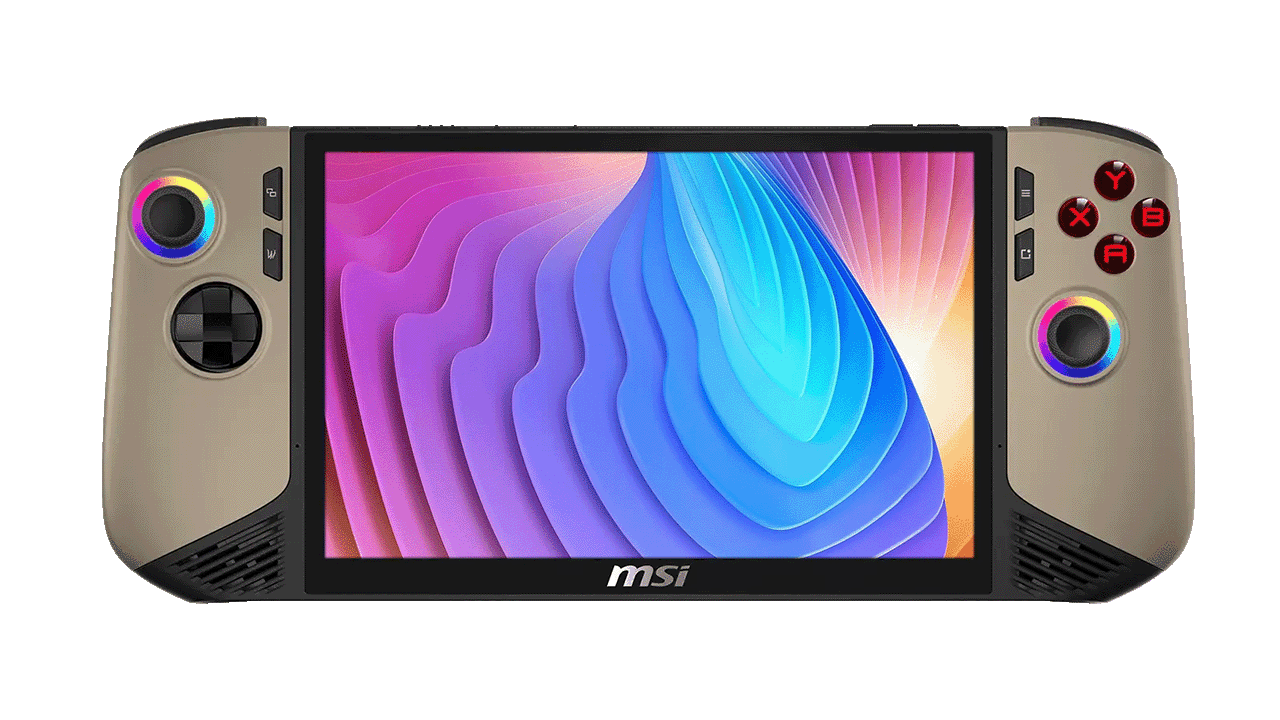
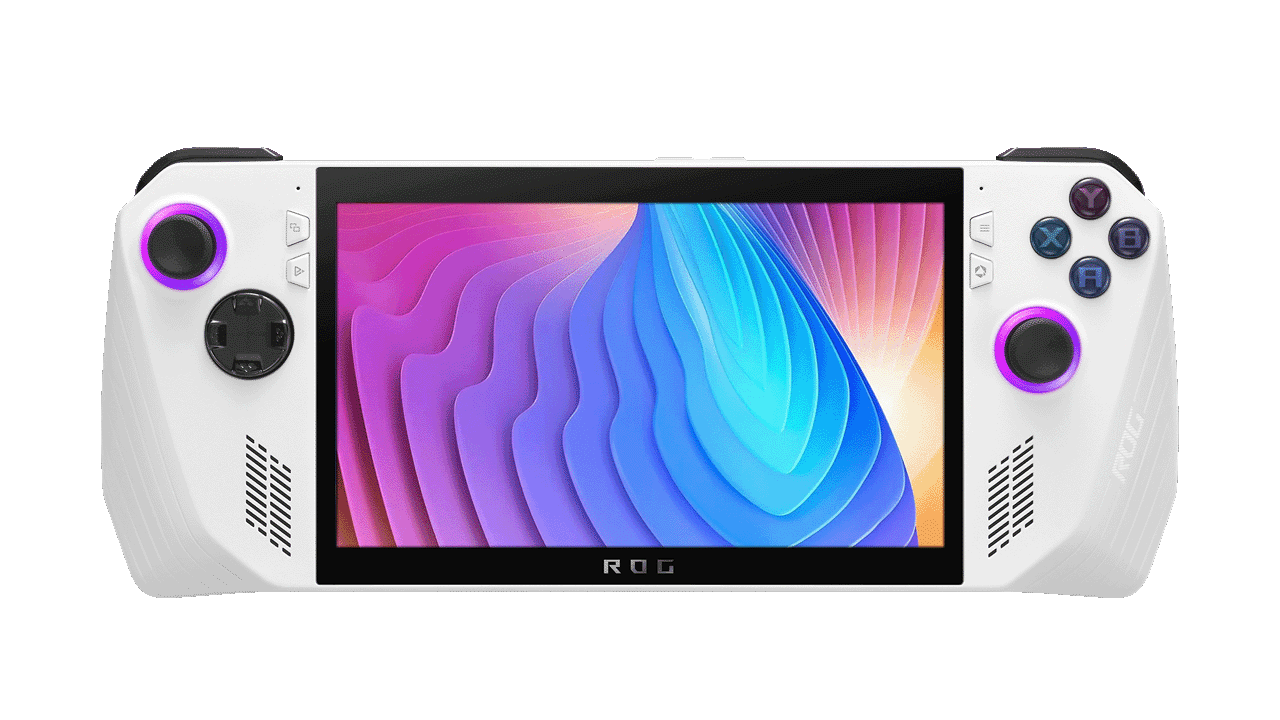
ASUS ROG Ally / Ally XASUS ROG Z13Lenovo Legion Go / Go SSteam Deck — all modelsMSI Claw A1M / A2VM / BZ2EMAOKZOE A1 / A1 Pro / A2AYANEO — all major modelsONEXPLAYER X1 / OneXFly / 2 / MiniGPD Win 2 / 3 / 4 / Mini / Max 2Ayn Loki — all modelsZOTAC Gaming Zone

Support depth varies by model, firmware and sensor configuration. Check the official repository for current device notes.

A touch-optimized GUI to increase your handheld gaming computer experience.
Handheld Companion project description
1.7K+GitHub stars
20+device families
9supported languages
CCopen-source license

Know before you install

Handheld Companion FAQ.

Clear answers for the searches that bring Windows handheld players here.

What is Handheld Companion?

Handheld Companion is an open-source, touch-optimized Windows app for handheld gaming PCs. It combines controller remapping, virtual Xbox 360 and DualShock 4 controllers, motion controls, game profiles, performance controls, overlays and custom hotkeys.

Does Handheld Companion work on ROG Ally and ROG Ally X?

Yes. The official supported-device list includes ASUS ROG Ally and ROG Ally X. Device-specific behavior can change with firmware and drivers, so keep Windows and device firmware current before troubleshooting.

Can I use Handheld Companion on Steam Deck?

Yes, on a Steam Deck running Windows 10 or Windows 11. Handheld Companion is not a SteamOS application. It can provide controller emulation, motion controls, profiles, hotkeys and a virtual touchpad in Windows.

Is Lenovo Legion Go supported?

Yes. Lenovo Legion Go and Legion Go S are listed as supported devices. Handheld Companion can centralize controller, profile, motion, power and overlay controls on Windows.

Is Handheld Companion free?

Public releases are free to download from GitHub. Community supporters can receive Early Access builds through the project's Patreon before the same work reaches public releases.

Can it map a gamepad to mouse and keyboard?

Yes. Handheld Companion includes gamepad remapping to keyboard, mouse, controller buttons, joysticks and triggers, plus adjustable deadzones and per-game profiles.

Public release 0.32.3.0

Your handheld already has the hardware.
Give it the controls.

Download the all-in-one installer from the official GitHub release.

Windows 10 / Windows 11 · x86 & x64 · Run installer as administrator